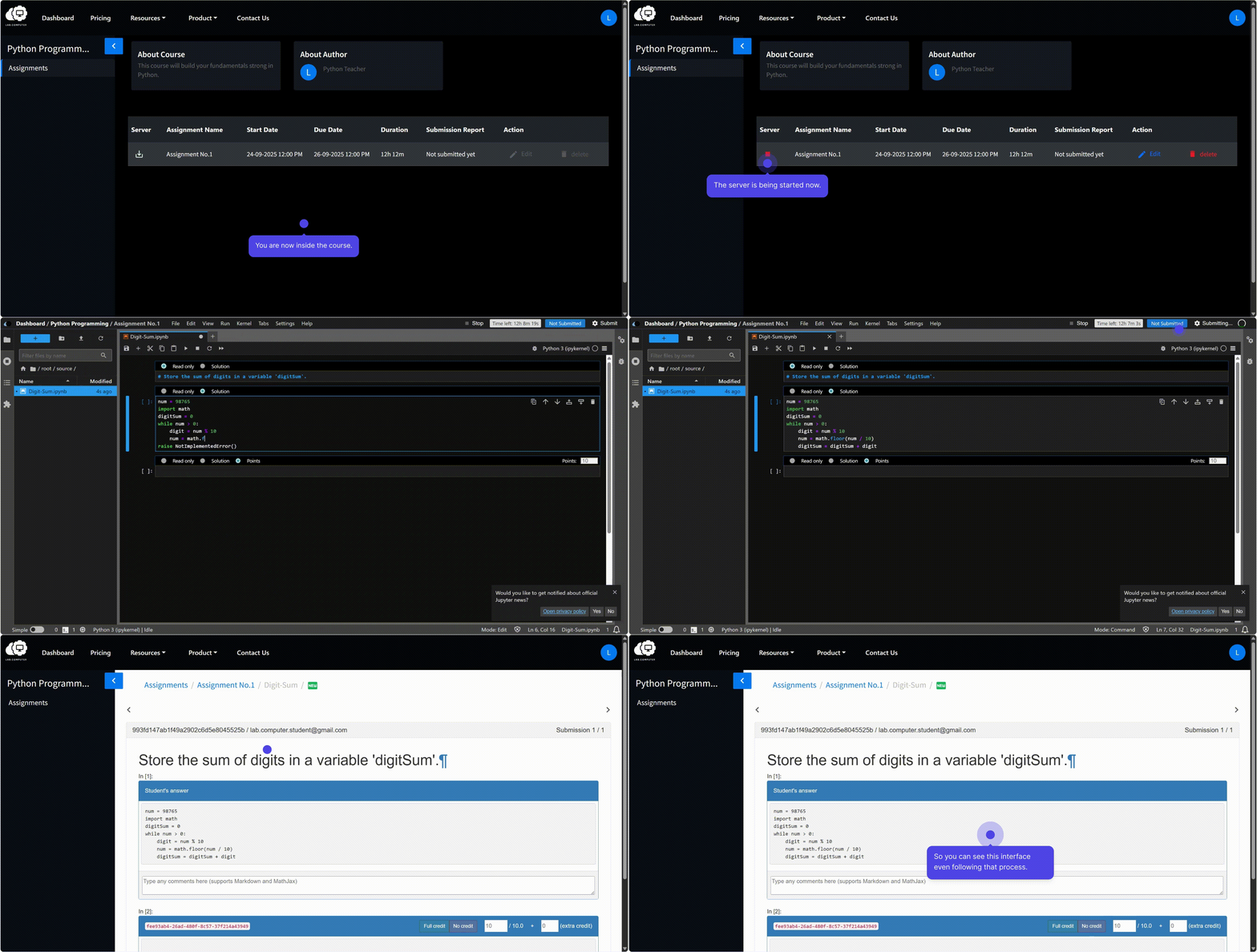
Accessing and Working on Assignments
Importing and Launching the Assignment
- Click Import to add the assignment to your course.
- After the assignment is successfully imported, start assignment's server to initialize the environment.
- Once the server is ready, click Edit to launch and begin working on the assignment.
Note
Assignments become accessible to students only after they are released by the instructor.
Solving Assignments
Students can work on the problems in the notebooks and solve them directly in the Lab.Computer environment.