Dashboard Overview
The dashboard is the central hub for all activities within Lab.Computer.While instructors and students share the same interface, the available sections differ based on their roles.
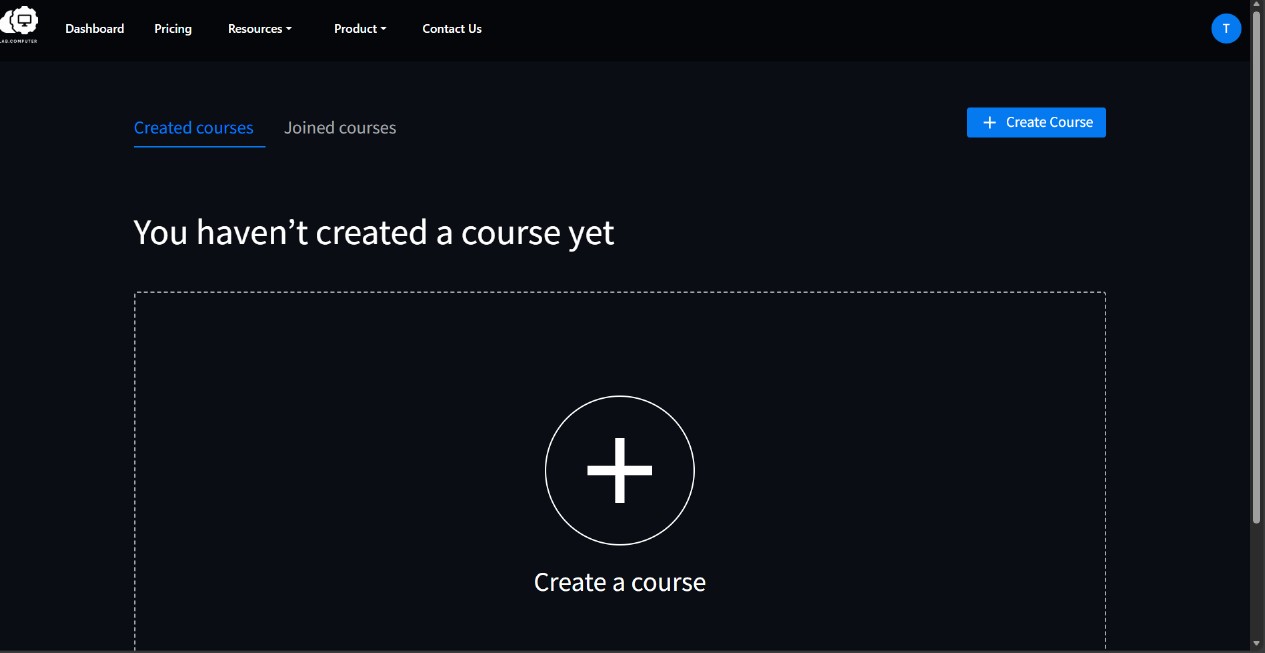
All users have access to both sections — Created Courses and Joined Courses — but their use depends on how the user participates in a course.
-
Instructors can access the Created Courses section to manage and track the courses they have developed.
-
Students use the Joined Courses section to view and interact with the courses they are enrolled in.
Course Manager
The Course Manager is organized into two primary sections, each designed to support distinct user workflows:
Created Courses
This section is for users who create or manage courses (typically instructors or course owners).
- Displays all courses authored by the user.
- Serves as the primary interface for initiating new course creation via the + Create Course function.
- Provides direct access to course configuration, content management, and assignment creation
For more details, see the Instructor Guide.
Joined Courses
This section is for users who join and participate in courses (typically students).
- Lists all courses in which the user is enrolled as a participant.
- Supports collaborative activities such as professional development, cross-departmental learning, and co-teaching.
For more details, see the Student Guide.