Julia Kernel Guide
See also: Assignment Creation and Notebook‑Based Assignments.
Create a basic Julia assignment
Tip
Download a starter notebook: Download Julia.ipynb
-
Upload the notebook:
- Click the Upload button in the top‑left of the notebook UI
- Select the downloaded file and confirm
-
Open it:
- The file appears in the left panel — double‑click to open
-
Run it to verify everything works
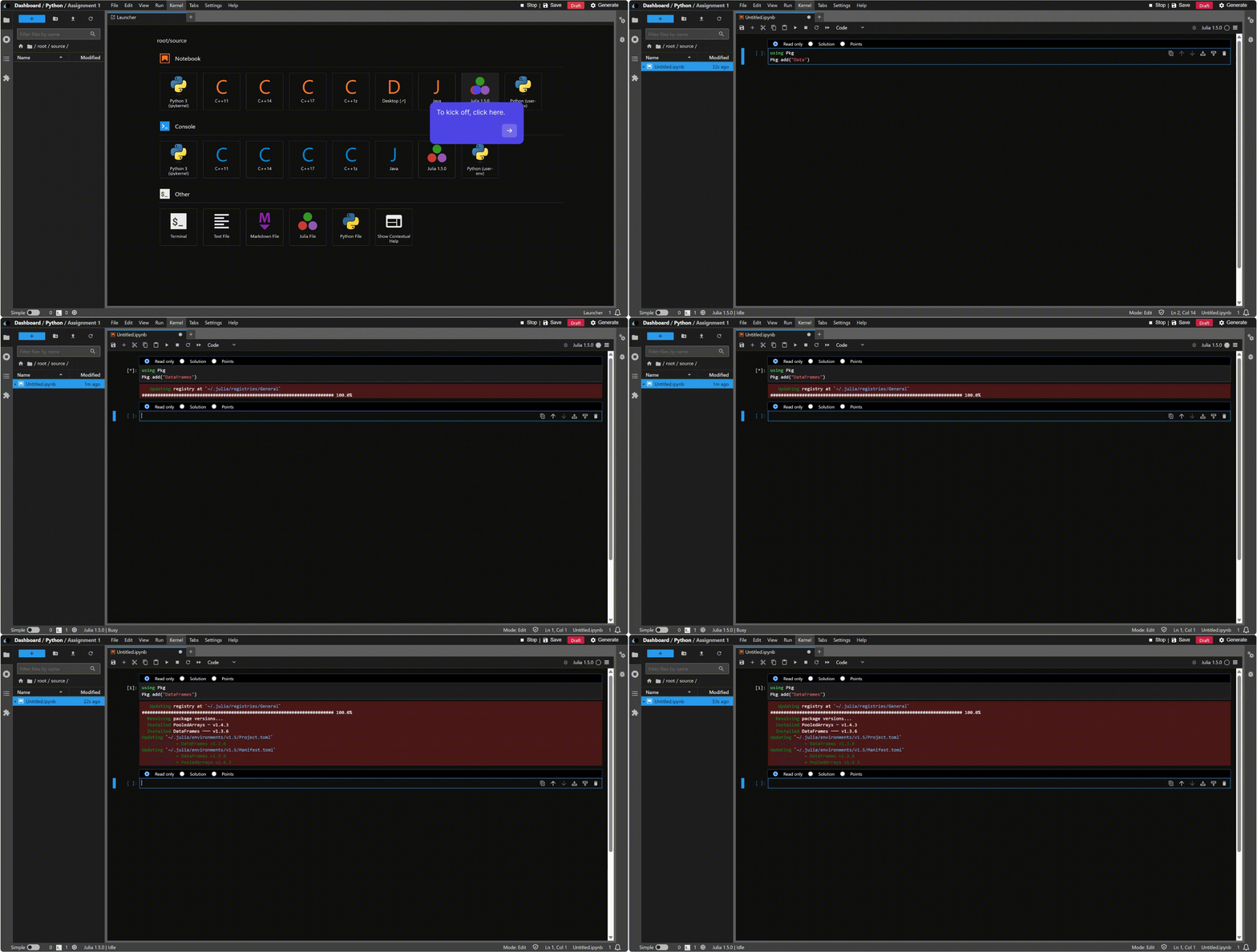
Install and use Julia libraries
Add a new code cell and run:
using Pkg
Pkg.add("DataFrames")
Then use the package in your notebook:
using DataFrames
df = DataFrame(a = 1:3, b = ["x", "y", "z"])
first(df, 3)