
Identity Verification
We confirm the student's identity using a webcam and ID validation before the exam begins.
We use cookies to run the site, and (only with your permission) to understand usage with analytics.Read our Privacy Policy.
Lab.Computer has a partnership with Proctortrack. We verify every student before assessments begin. Proctortrack prevents cheating with Photo ID and Face Scan checks. Together, they ensure secure and fair assessments.
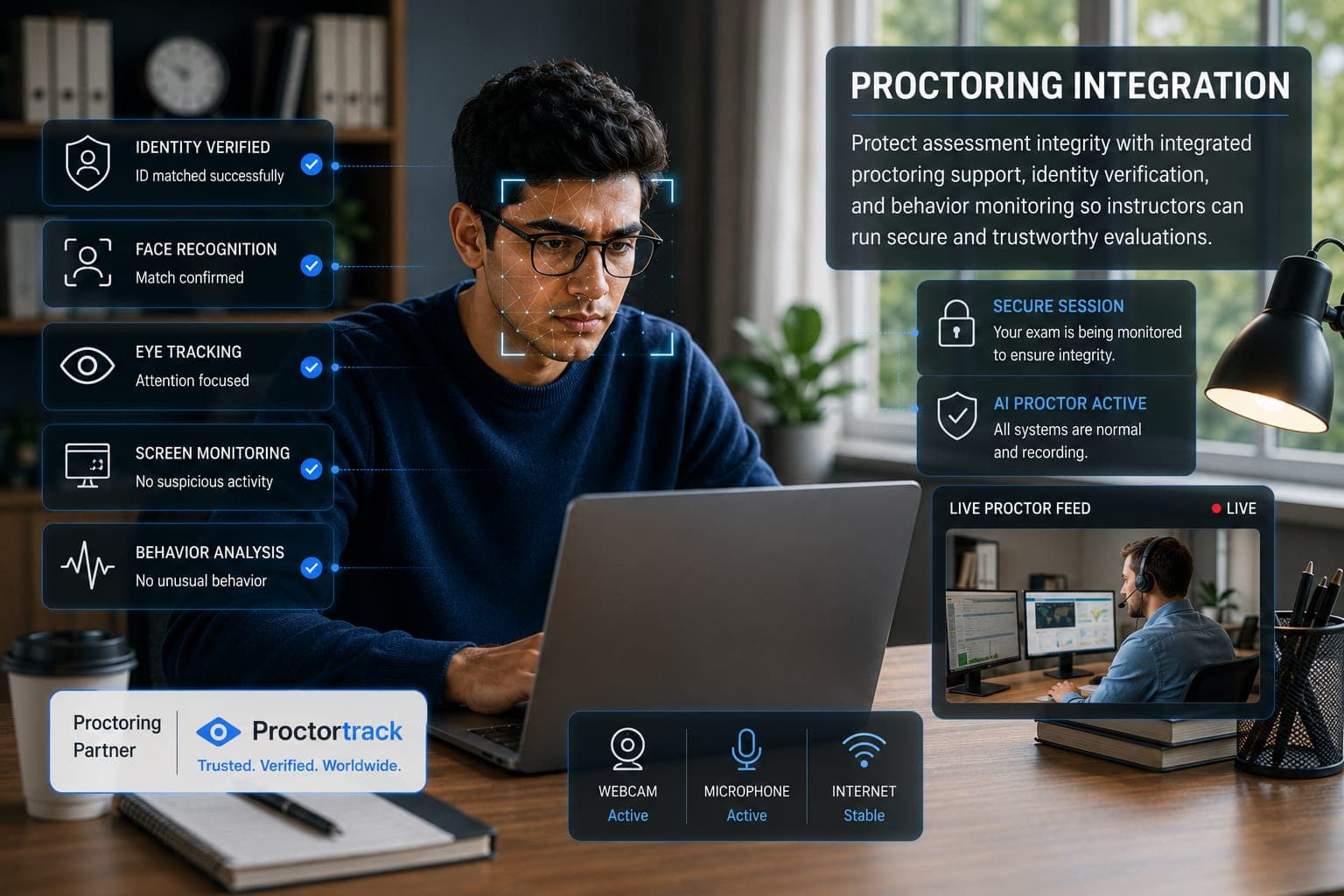
We enable advanced, AI based proctoring for online assessments. Instructors can easily activate AI enabled proctoring to verify student identity through Photo ID and Face Scan, while continuously monitoring behavior throughout the exam session. This proctoring helps detect and prevent cheating, enforce academic standards, and ensure every assessment is conducted in a fair, secure, and integrity-driven environment.
We confirm the student's identity using a webcam and ID validation before the exam begins.
Every student's system checks their testing environment to ensure no unauthorized materials are present during the exam.
Our proctoring features monitor activity such as eye movement, screen usage, and background noise.
Instructors receive detailed reports highlighting flagged events in the case of malpractice during the assessment.
Turn on Proctortrack in just a few steps while creating assignments

Step 1
Students log into Lab.Computer and select the assignment.

Step 2
Click "Open ProctorTrack" to generate a secure exam link.

Step 3
Students open the link and complete 1.Face recognition and ID scan. 2.Environment scan.

Step 4
Once verification is complete, students return to the platform and click "Start Proctoring" to begin the assignment.
We deliver reliable, AI-based proctoring that maintains integrity and builds trust in every assessment.
Book Demo
Proctortrack tracks face position and eye movement via webcam. Any unusual behavior, like looking away or leaving the frame, is flagged to maintain focus and integrity.
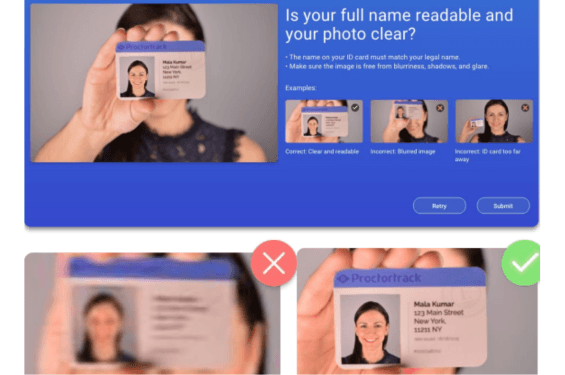
The system verifies the student using a photo ID and face scan, confirming that the right person is taking the test throughout the session.
Students are required to stay in a quiet, private space and avoid any background disturbances. This ensures the exam is taken without outside help or interruptions.
This feature works seamlessly within Lab.Computer with no extra installation or configuration needed. You can enable and use proctoring directly on the platform, making the setup quick and hassle-free.

Have any questions? Reach out anytime - click the button below to contact us.
Contact our team